

Openfire is a more powerful open source instant messaging (IM) and chat server that implements the XMPP protocol. it uses the XMPP protocol provide the a web interface for manage users and other related funcations. It is easy to setup and configure, but has a high level of security and performance. It runs using Java.This article will guide you installing Openfire XMPP on linux server.
Application Prerequesties
Operating System
Openfire server
Spark client
libldb.i686 library for 64Bit OS.
–2014-10-03 23:44:18– http://download.igniterealtime.org/openfire/openfire-3.9.3-1.i386.rpm
Resolving download.igniterealtime.org… 54.230.117.102, 54.230.118.115, 54.230.119.85, …
Connecting to download.igniterealtime.org|54.230.117.102|:80… connected.
HTTP request sent, awaiting response… 200 OK
Length: 70513157 (67M) [application/x-rpm]
Saving to: “openfire-3.9.3-1.i386.rpm”100%[============================================================================================>] 70,513,157 5.41M/s in 11s2014-10-03 23:44:30 (5.98 MB/s) – “openfire-3.9.3-1.i386.rpm” saved [70513157/70513157][root@linuxpcfix root]# rpm -ivh openfire-3.9.3-1.i386.rpm
Preparing… ########################################### [100%]
1:openfire ########################################### [100%]
[root@linuxpcfix root]# yum install libldb.i686
[root@linuxpcfix root]#wget http://download.igniterealtime.org/openfire/openfire_3.9.3_all.deb
–06:50:08– http://download.igniterealtime.org/openfire/openfire_3.9.3_all.deb
=> `openfire_3.9.3_all.deb’
Resolving download.igniterealtime.org… 54.230.117.225, 54.230.119.219, 54.230.119.138, …
Connecting to download.igniterealtime.org|54.230.117.225|:80… connected.
HTTP request sent, awaiting response… 200 OK
Length: 15,016,412 (14M) [binary/octet-stream]
100%[==========================================================================================>] 15,016,412 4.35M/s ETA 00:00
06:50:12 (4.33 MB/s) – `openfire_3.9.3_all.deb’ saved [15016412/15016412]
[root@linuxpcfix root]# dpkg –i openfire_3.9.3_all.deb
[root@linuxpcfix root]#yum install mysql mysql-server
[root@linuxpcfix root]#service mysqld restart
[root@linuxpcfix root]#yum install java
Once installation successfully completed start the openfire server
[root@linuxpcfix root]#chkconfig openfire on
After that open your preferred browser and put url as “http://your-domainORyour-server-ip:9090” and follow the browser’s screen steps.
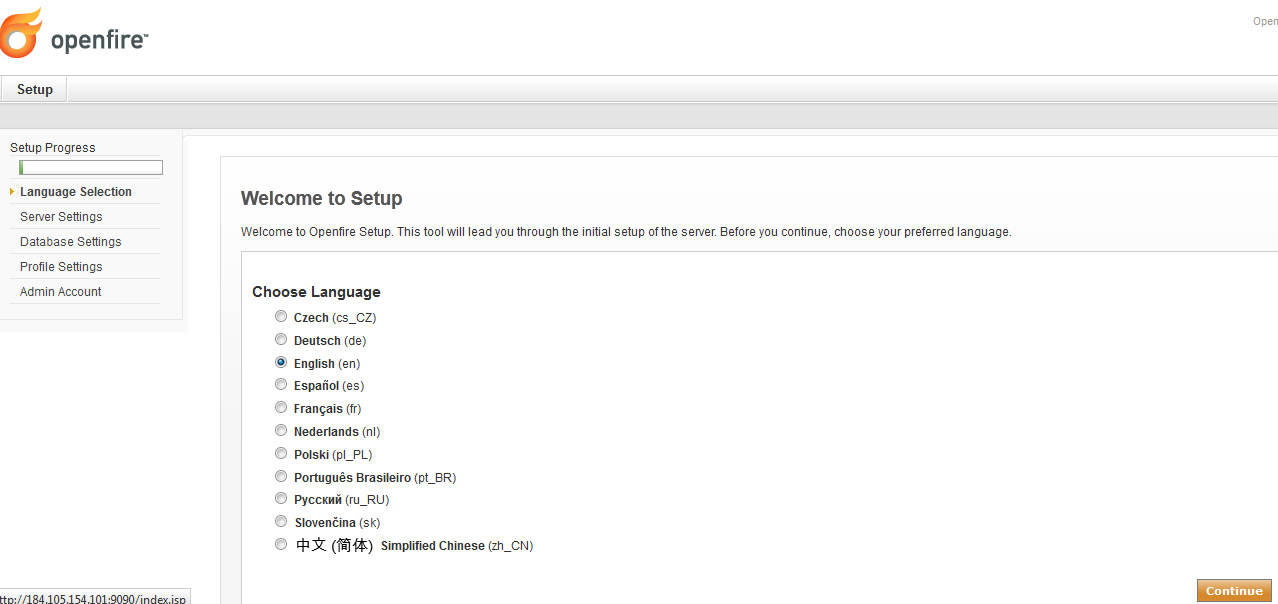
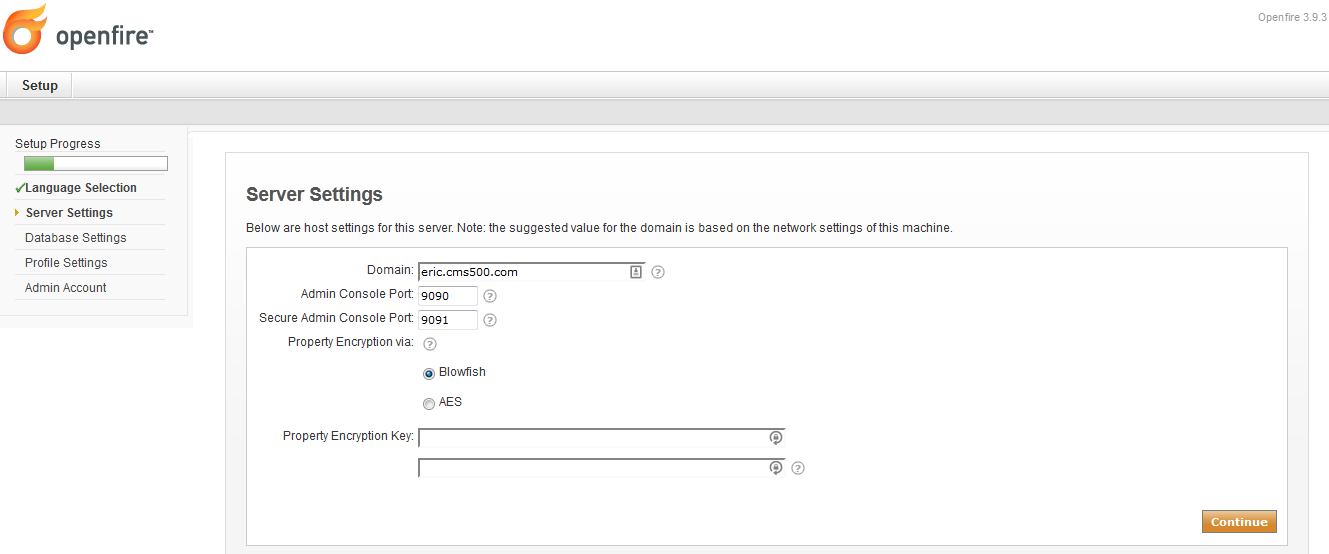
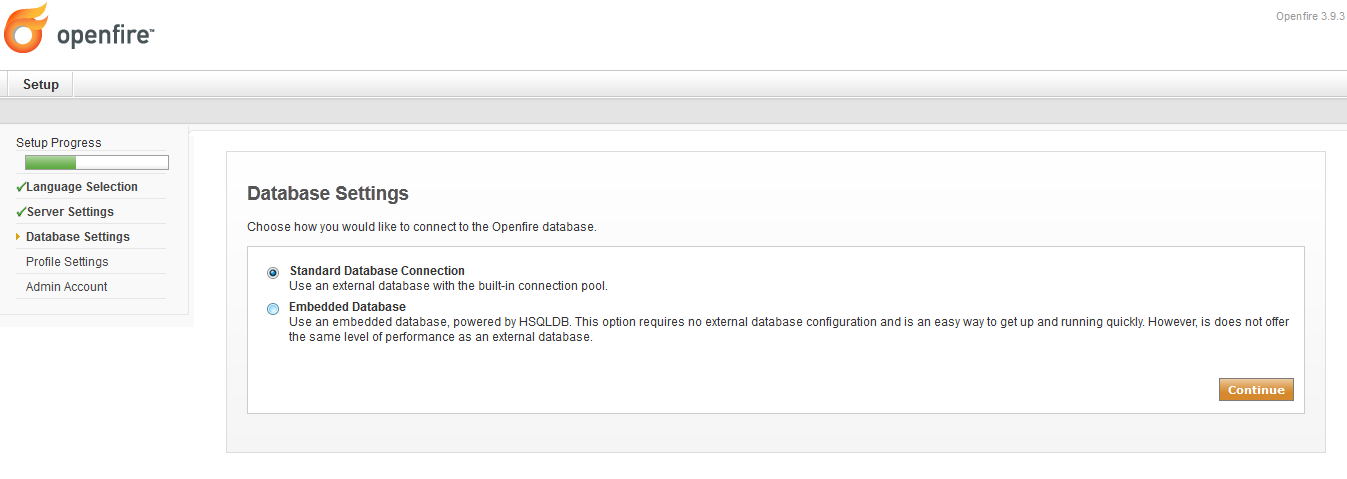
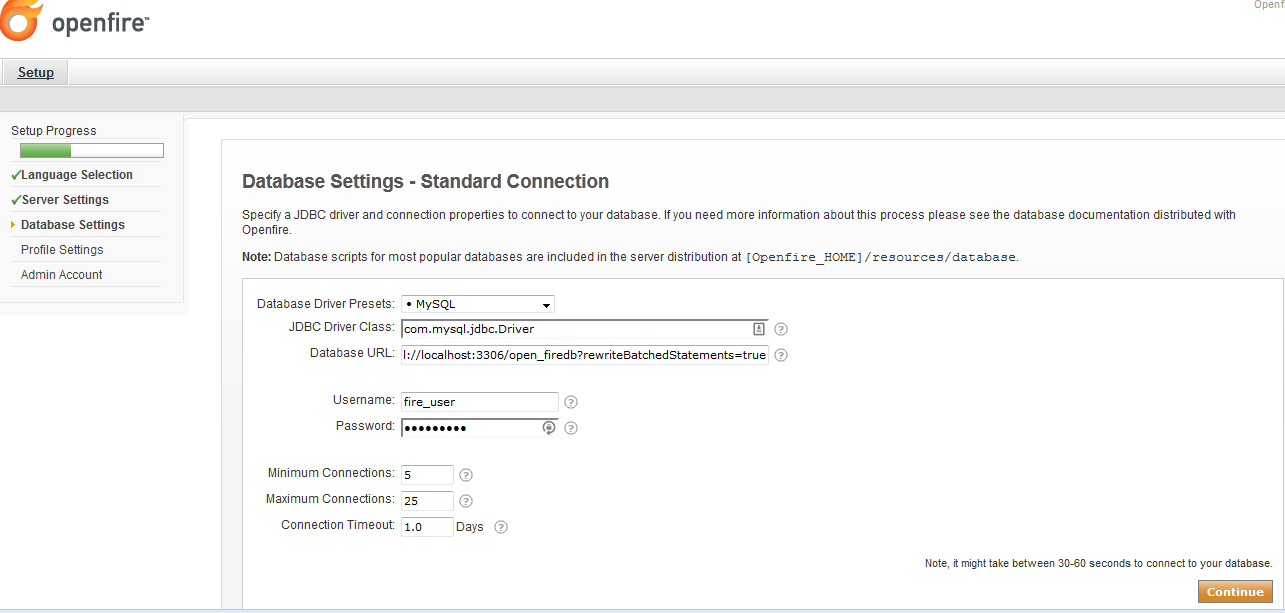
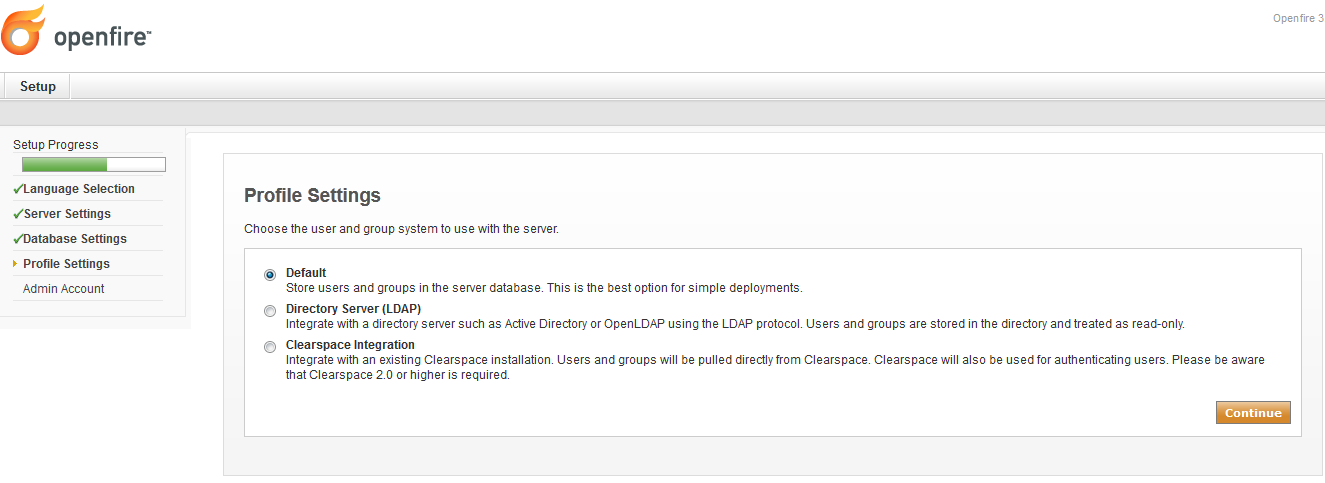
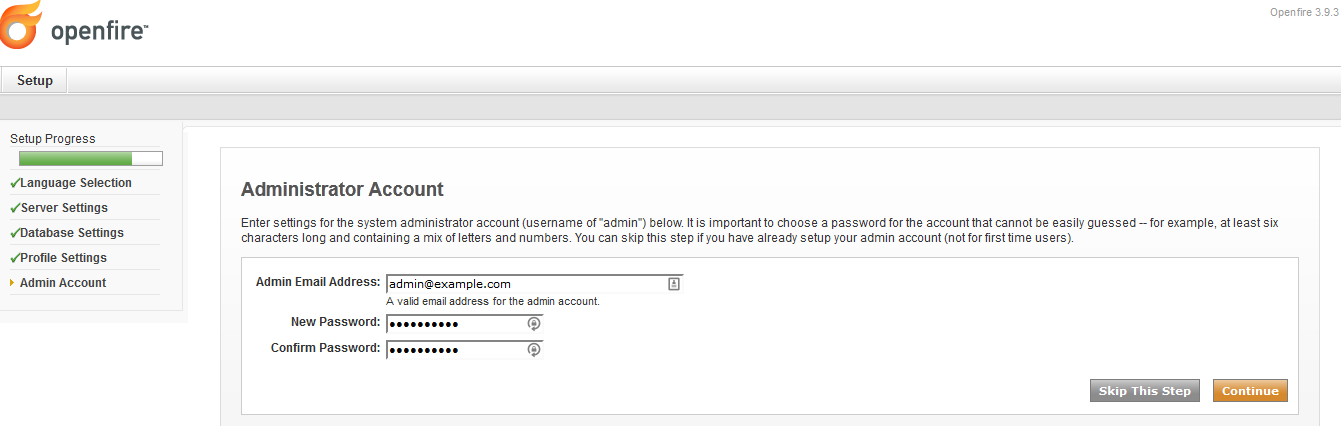
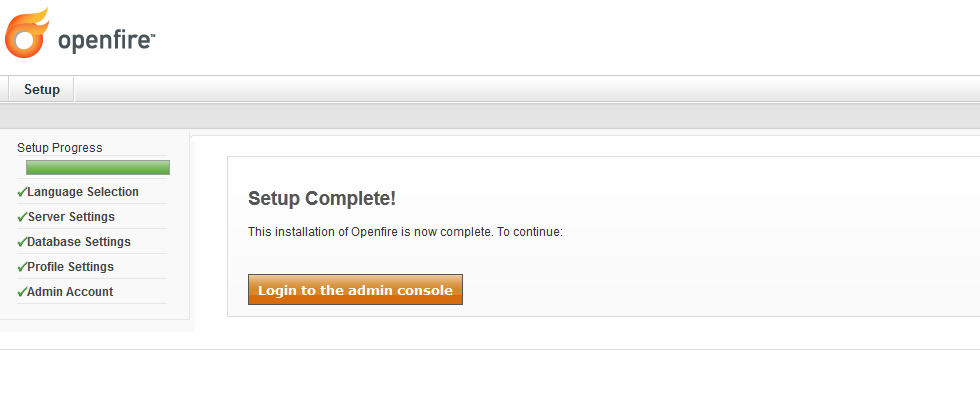
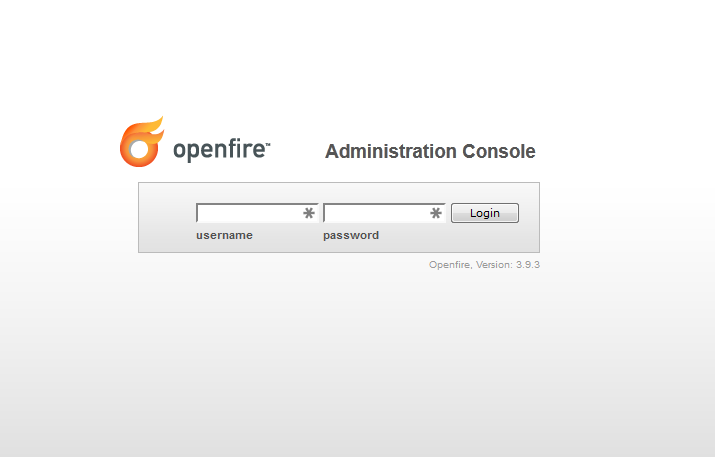
Further if you want to install openfire application your ubuntu base server then follow the below steps. First of all install java package by performing the following command.
Using apt-get package manager.
[root@linuxpcfix root]#sudo apt-get install default-jre
Once installation process gets complete then verify the Java is installed or not.
Through source code
Download the java source code from java/oracle website and execute the following command.
[root@linuxpcfix /usr/local/]tar -zxf jdk-8u5-linux-x64.tar.gz
[root@linuxpcfix /usr/local/]ln -s jdk-8u5 java
[root@linuxpcfix /usr/local]#export JAVA_HOME=”/usr/local/java”
[root@linuxpcfix root]#java -version
Finally install openfire application as given below.
[root@linuxpcfix root]sudo dpkg –install openfire.deb
That’s it.
 I am founder and webmaster of www.linuxpcfix.com and working as a Sr. Linux Administrator (Expertise on Linux/Unix & Cloud Server) and have been in the industry since more than 14 years.


